

Let’s talk color… I am obsessed with color. I’ve made hundreds of color palettes over the years and I am so excited to share all the tools I’ve developed to inspire creatives like you!
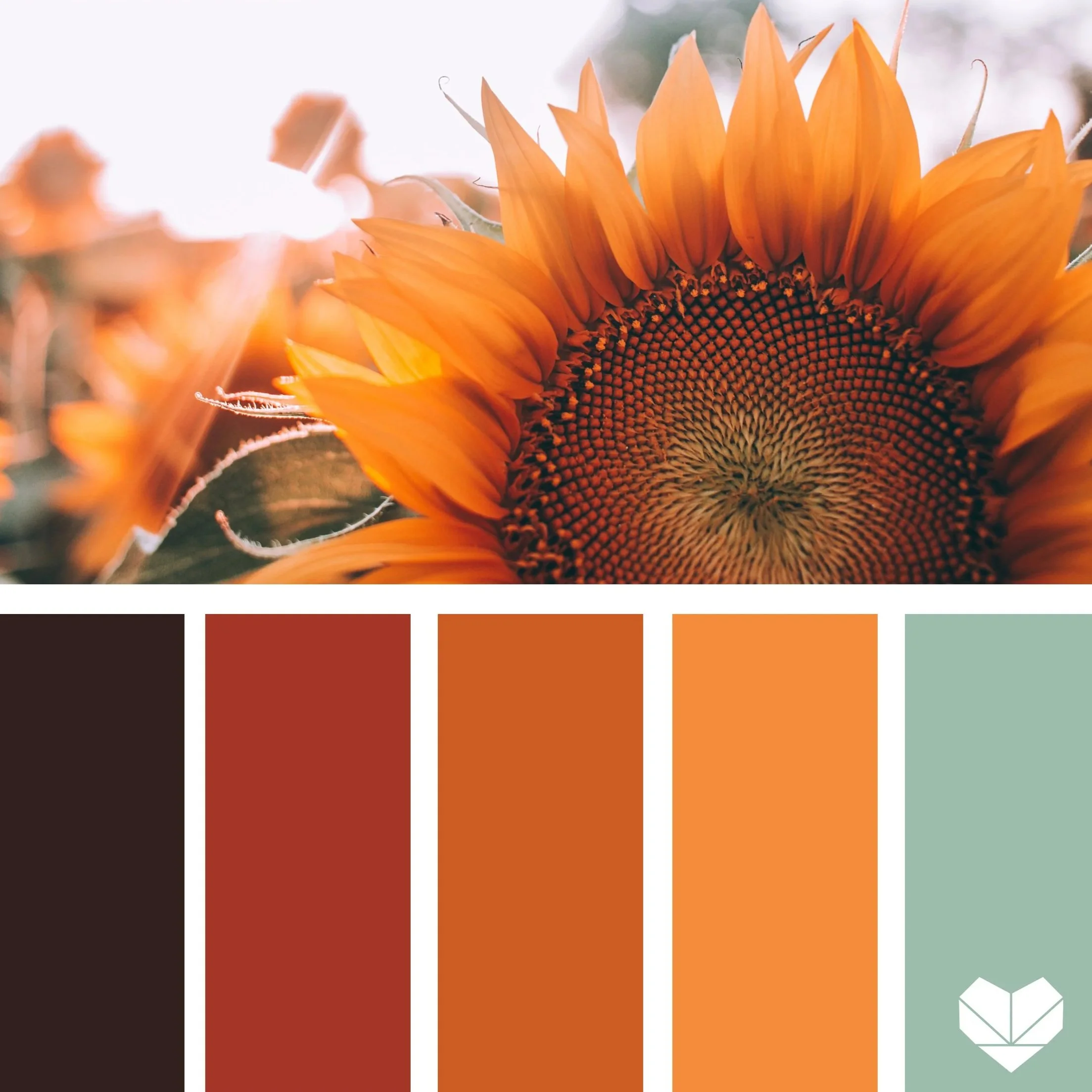
★NEW★ Color Library
Free color inspiration for creatives. Search the interactive color library by color or keywords to find the perfect color palette for your next project. Each color palette allows you to access the hex codes, download a color card, or download a .ASE file for use in Adobe programs or Procreate.
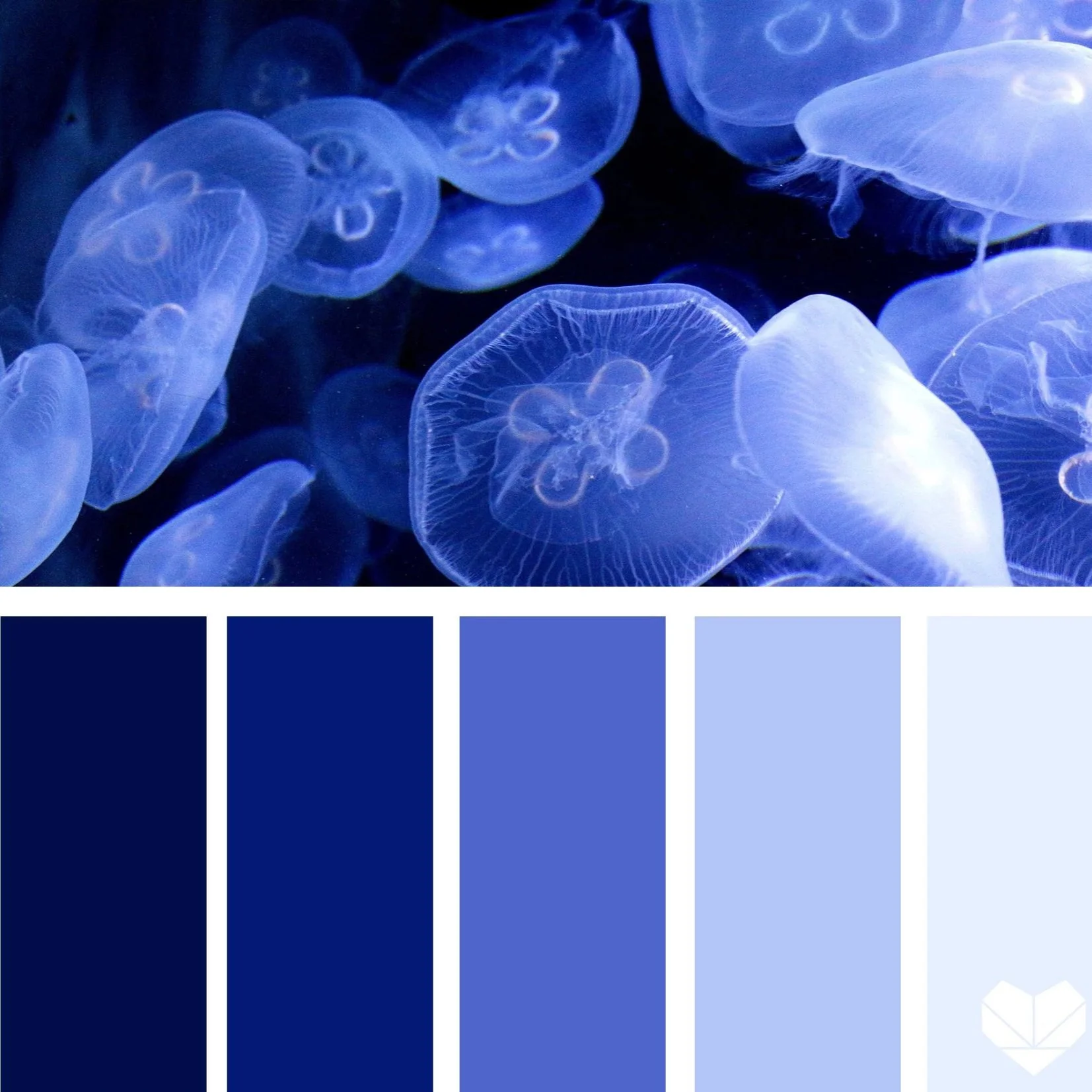
Color Palette Collections
We love creating color palettes to inspire your next design project, wedding colors, interior design, fashion, branding and more. Search the original archive of color palettes to find the perfect color combo for you. Hex codes are included in each post!
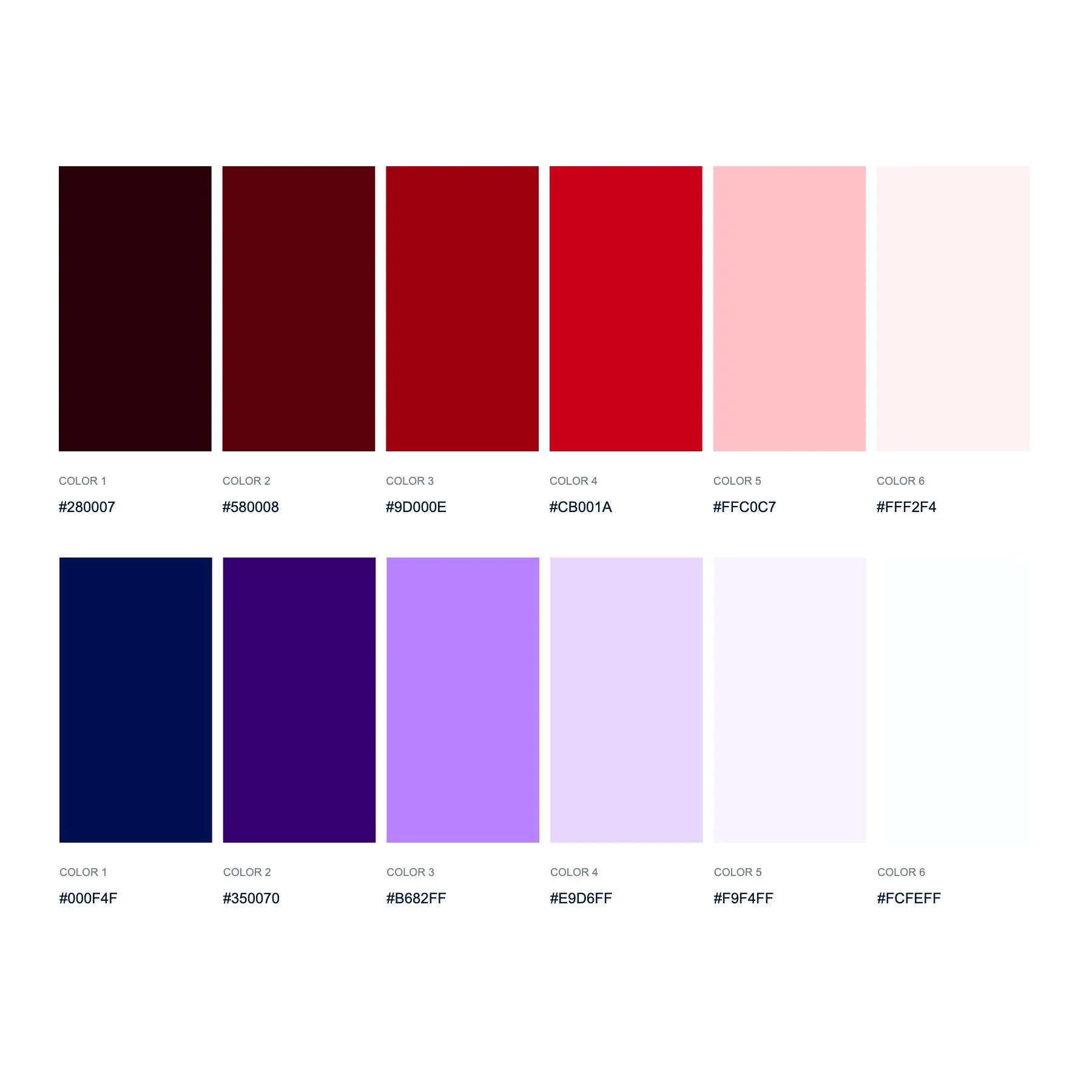
Color Palette Creator
Want to create your own color palette? Feeling a bit DIY? Check out our Color Palette Creator! Use the color picker or upload your own image to pull colors from. Once you’re satisfied with your selections click the ‘Save Palette’ button to download a copy that includes the hex codes.
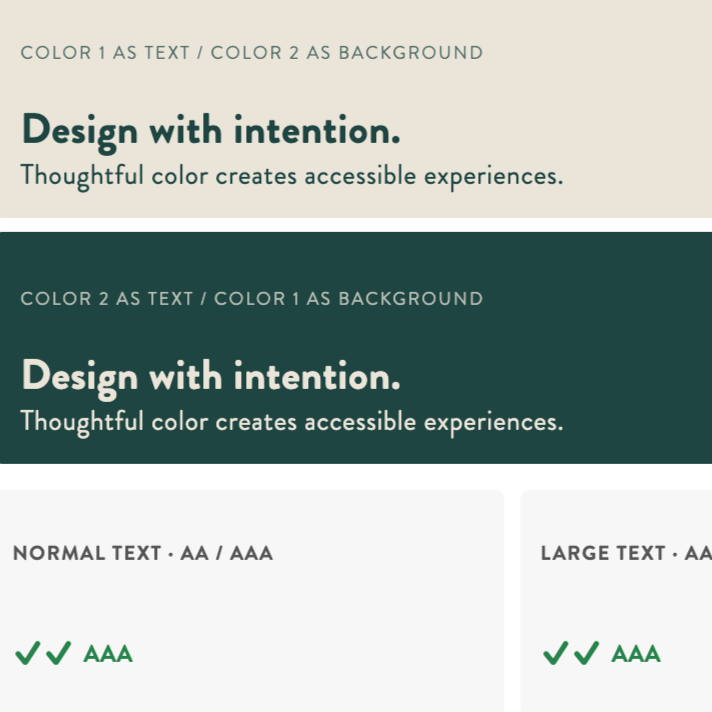
Color Contrast Checker
Color contrast is crucial for making your branding and website accessible to all users because it ensures that text and essential elements are easily readable, regardless of a person's visual abilities. High color contrast between text and background improves readability for everyone, including those with visual impairments such as color blindness, low vision, or age-related vision changes.
Do you Have color questions?
Each color palette you see on this website was created by hand selecting colors from the inspiration image. I’ve had people use these color combinations as inspiration for everything from branding a small business, to interior design, to nail art, to illustration in Procreate or with markers, colored pencils, or paint, to jewelry making, fashion, customizing figures, wedding planning, and so much more!
Please note, these are not all intended to be perfect for every application. If you are using a color palette for your web design or logo and visual identity, be sure to check the color contrast first, and adjust as needed.
If you have questions please visit our Color FAQ.